Skip to content

Show Notes

Email of the Week – 018

8500 : 8400
photo credit: iammikeb

QUESTION

Name:  Steve

From:   Tampa, FL

OS:      Windows Vista

———————-
The problem concerns getting the Windows Update system to work–it has not updated in nearly two months and I even downloaded Registry Mechanic (PC Tools) to fix it but that doesn’t work. I can send a screen capture but it is Error Code 80240016.
Thanks very much.

ANSWER

Thanks for writing Steve. It appears that your problem relates to some corrupt Windows files. Try this first:Read More »Email of the Week – 018
Computer Help Show Podcast – 09-16-09

This month’s show was packed with information about the Google services that you may not know they offered. Have a listen or download it to your MP3 player or iPod to listen to later.

Email of the Week – 016

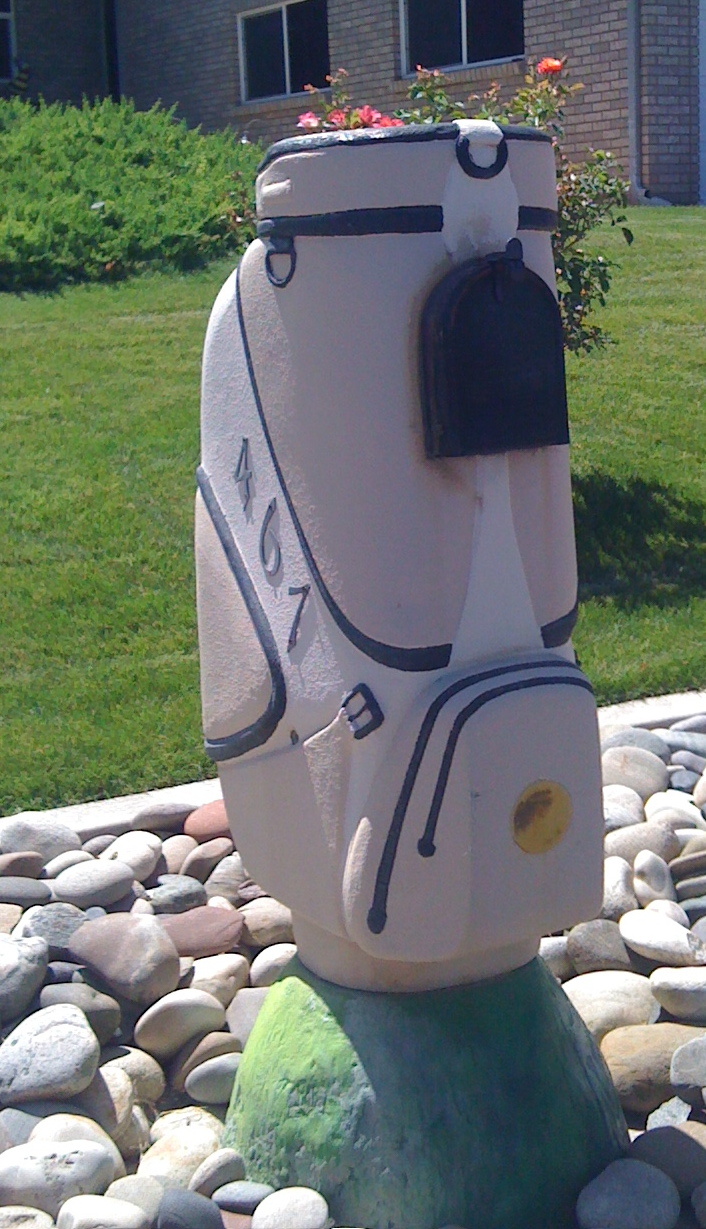
golfbag-mailboxQUESTION

Name:  Cathy

From:   Walworth, WI.

OS:      Windows XP

———————-
I use Firefox and lately whether I have one or twenty tabs open all of a sudden it crashes and I have to re-open and restore tabs.  This happens 3-4 times a night.
I have CA Security and Spy Bot.

Thank you,
Cathy

ANSWER

Thanks for writing and great question. Two ways to troubleshoot your problem. First, Read More »Email of the Week – 016

Email of the Week – 014

Mailbox
photo credit: mrjoro

QUESTION

Name: Eve

From: Cedaredfe

OS: Windows XP

———————-

I downloaded the Ccleaner and ended up with the Yahoo tool bar. How do I get rid of it. Thanks

ANSWER

Hello Eve. I will answer your question in a minute, but first, let me talk about prevention. As always, prevention is the best medicine. During the setup of CCleaner, there is an option to NOT install the Yahoo Toolbar (see image below).

This lesson applies to almost any software we install. Take just a few seconds to look Read More »Email of the Week – 014

Email of the Week – 012

QUESTION

2006 Summer Solstice Celebration
photo credit: joshbousel

Name:  Lorie

From:   Grand Junction, Co

OS:      Windows XP

———————-
Internet explorer 7 – when I tried to get on it just kicked off and said it had a problem and needed to shut down.
How would I reload explore 7 with out the internet.
Lorie
I am using my Mom’s computer right now.

ANSWER

Helo Lorie. I think you can get your Internet Explorer up and running pretty quick by Read More »Email of the Week – 012

Computer Help Show Podcast – 07-15-09

Great show today as we discussed Google Chrome OS, what computer users really do with their computers, and answered a lot of questions from callers. Have a listen. Computer Help Show Podcast -07-15-09

Email of the Week – 011

Manatee Mailbox
Creative Commons License photo credit: Joe Shlabotnik

QUESTION

Name:  Joanne

From:   Portland, OR

OS:      Windows XP

———————-
On May 27 you talked talked about the # of processes that open at Start-up. Following your instructions I found I have 60 processes opening. I went in and unchecked several I didn’t need, however when I go back to normal start-up at closing,restarting my computer and then again to into msconfig/Start-up, the problems are again checked. How do I keep them unchecked?

Thanks
I’m learning a lot from you, really appreciate it.

ANSWER

Thanks Joanne. (She’s referring to my tip about MSCONFIG found here.) You are doing everything right exceptRead More »Email of the Week – 011

Email of the Week – 009

Mailbox
photo credit: cindy47452

QUESTION

Name:  Patrick

From:   gj

OS:      Windows XP

———————-

Solving email problems
Saturday, July 22nd, 2006 | Email Tips | Rick

Rick, the two email tips in this post could not be found.  Are they still applicable?

ANSWER

Thanks for writing and thanks for finding more dead links here at HelpMeRick.com. Some of the tips here date back to 1996, when I first started this site. And the site has undergone many transitions and improvements since then.

For that reason, it helps me and many others who visit the site when I get a chance to correct tips like the one you were reading. To answer your question, the Read More »Email of the Week – 009